Projects |
  
|
Projects |
|
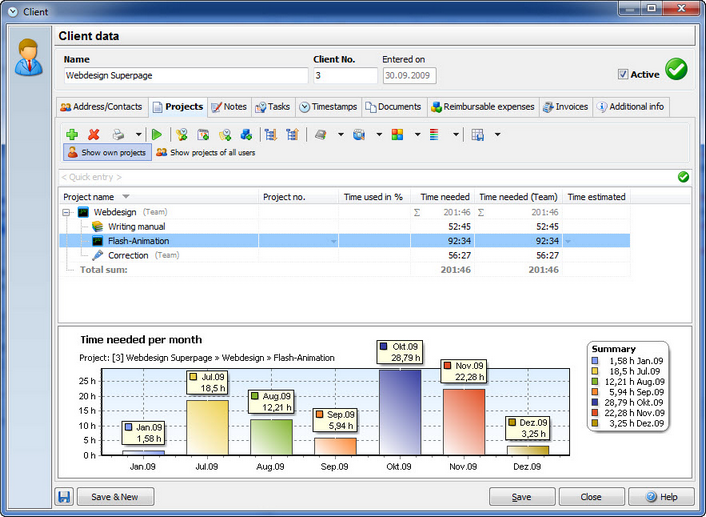
The tab project displays all current projects of the client. Here you can also create new project for the client.
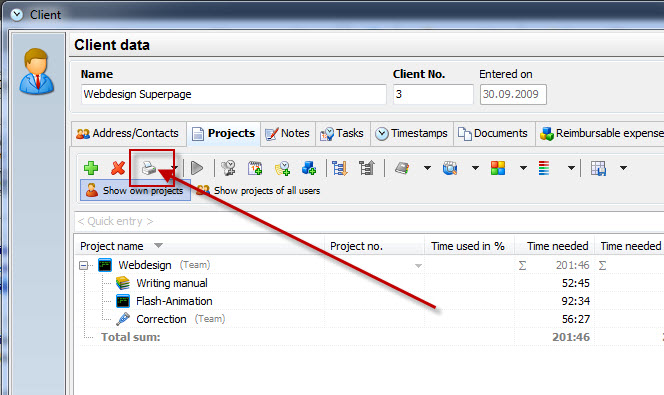
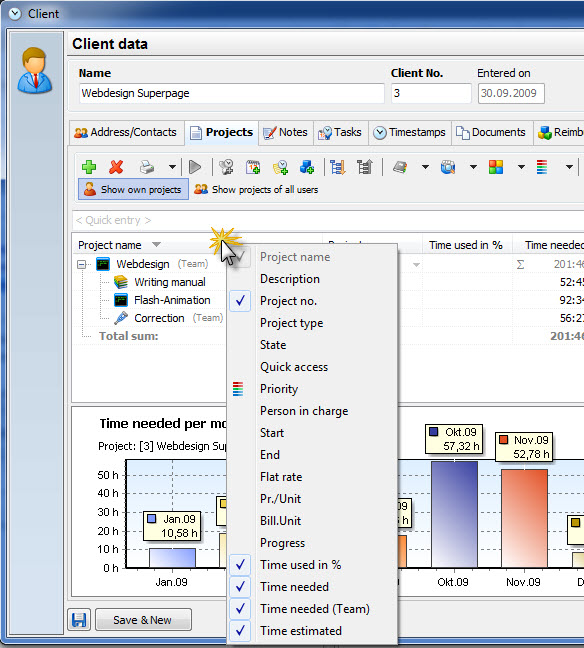
You can print every tab in your client data. In order to filter the data the way you need it, just right-click on the column headers and choose the columns you want to see. Hit the print button to print the reports.
In order to print the data, click on the print button. In this dialog there are the same filter and grouping options available as in your timestamp list.